One currency, and it is the minute
LockedIn AI splits itself into an unlimited general plan, an unlimited pro plan and credit plans, with credits burning at different rates depending on the model you pick. InvisiHire has one unit, the minute, and one desktop app that every account gets.
The real difference is how much arithmetic stands between you and knowing what an interview will cost.
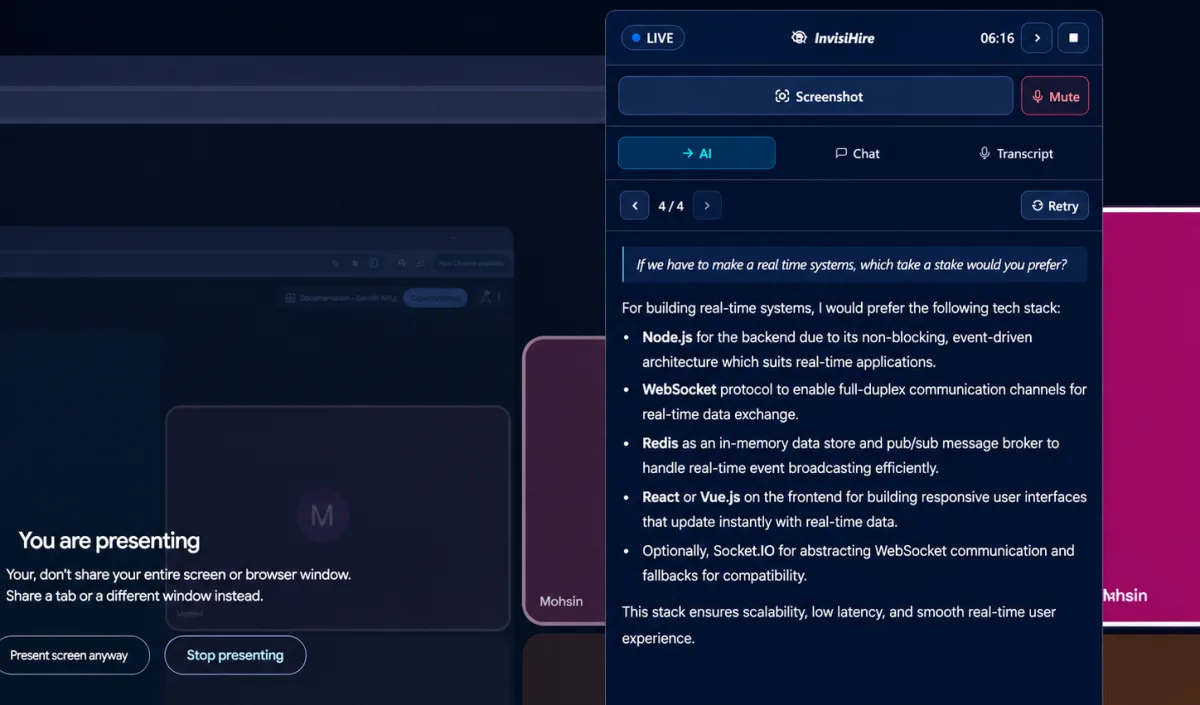
Why choose InvisiHire over LockedIn AI
An hour costs an hour
On LockedIn AI a credit is two minutes on one model and one minute on another, so what an interview costs depends on which model you chose. InvisiHire sells minutes. Sixty of them is an hour, whichever model you pick, and every model is available on every plan.
The desktop app is not held back
LockedIn AI keeps the desktop app for its pro and credit plans, with the general unlimited plan being web only. Every InvisiHire account gets the same desktop overlay, free ones included.
Two languages at once
InvisiHire supports more than 60 languages and lets the interviewer and answer languages differ, so a question asked in one language can be answered in another while you read.
Twelve screenshots in one question
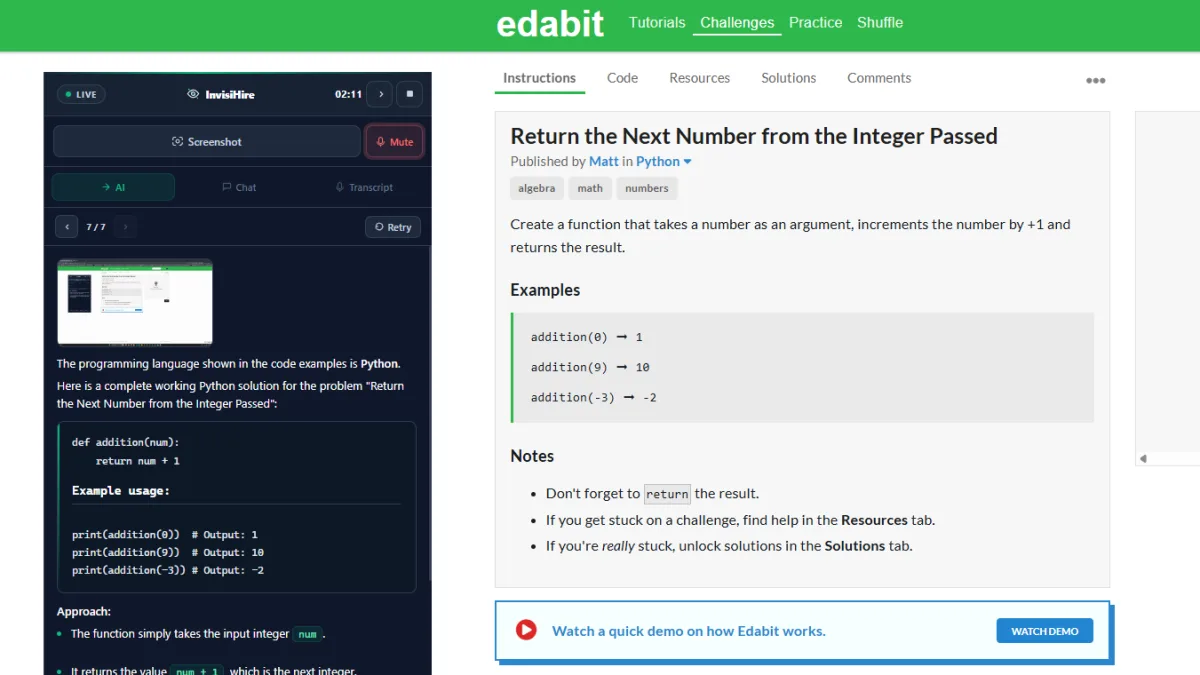
Send up to 12 screenshots in a single question and get one answer covering all of it, which is what a coding problem spread across more than one screen actually needs.


InvisiHire vs LockedIn AI, feature by feature
| InvisiHire | LockedIn AI | |
|---|---|---|
| Live answers during the call | Yes | Yes |
| Free tier with live answers | Yes, up to 10 sessions of 10 minutes each | Not advertised |
| Pricing model | Free tier, then pay as you go or subscribe | Credits or subscription, credits burn per model |
| Answer language separate from the interviewer | Yes, 60+ languages | Not advertised |
| Screenshots per question | Up to 12 at once | Not advertised |
| Coding help from a screenshot | Yes, full solution with the given signature | Yes, advertised as optimised for technical interviews |
| Resume and documents used in answers | Yes, answers written as you | Not advertised |
| Hidden from screen sharing | Yes, on every plan | On plans that include the desktop app |
| Desktop app | Windows (macOS in development) | Pro and credit plans only, general plan is web only |
| Time you buy expires | Never, and it stacks | Never |
LockedIn AI details were read from their own page on 31 August 2026 and describe what that page advertises. Products change, so check theirs before deciding.
What it costs to get through your next interview
With InvisiHire
Nothing to start. The free tier gives up to 10 sessions with live answers, 10 minutes per session, a 10-minute cooldown, and no card. When you need more it is $9 for 3 hrs that never expire, bought outright with no subscription. If you are interviewing every week, $39 a month covers unlimited sessions and unlimited time.
With LockedIn AI
Split across credit plans and unlimited plans, with credits consumed at 0.5 to 1 per minute depending on which model you run, so the cost of an hour depends on choices you make inside the app.
InvisiHire figures come straight from our live pricing, so this page cannot quote a price we no longer charge.
What is LockedIn AI?
LockedIn AI is an interview and meeting copilot with an unlimited general plan that is web only, an unlimited pro plan that adds the desktop app and all models, and credit plans. Its own documentation describes credits burning at 0.5 per minute on a general meeting and 1 per minute on a professional one. It also has a mobile app and a Chrome extension.
What is InvisiHire?
InvisiHire is a real-time interview copilot. The desktop app listens to the call and answers appear on your screen while the interviewer is still speaking, written as you, using your resume and documents. It runs on Windows, stays out of shared screens on every plan, handles coding problems from up to 12 screenshots at once, and lets you set the interviewer's language and your answer language separately across more than 60 languages.
Frequently asked questions
How is InvisiHire different from LockedIn AI?
Mainly in how you pay and how much you get for nothing. InvisiHire gives live answers on the free tier with no card, and sells minutes that never expire rather than a subscription.
Can I try live answers without paying?
Yes. The free tier includes up to 10 real sessions with live answers, 10 minutes per session and a 10-minute cooldown between sessions. It is not a demo of the interface; it is the actual product on a real call.
Do unused minutes disappear?
No. Credits never expire and stack across purchases. If you also have a subscription running, the credits sit untouched and take over automatically when it ends.
Which handles multiple languages better?
InvisiHire supports more than 60 languages and lets the interviewer and answer languages differ, so you can be asked in one language and read the answer in another. That is available on the free tier.
What platforms does it support?
A Windows desktop app, working over Zoom, Google Meet, Teams, Webex and anything else that runs on the machine. macOS is in development and not available yet.
Try it on your next interview
Create a session, launch the desktop app, and watch the answers appear while you talk. The free tier is enough to judge it properly.
Free tier included · Paid time from $9 · No subscription required